PROPR / TRADING GUIDE
Propr trading guideTrading on Propr,
one screen at a time.
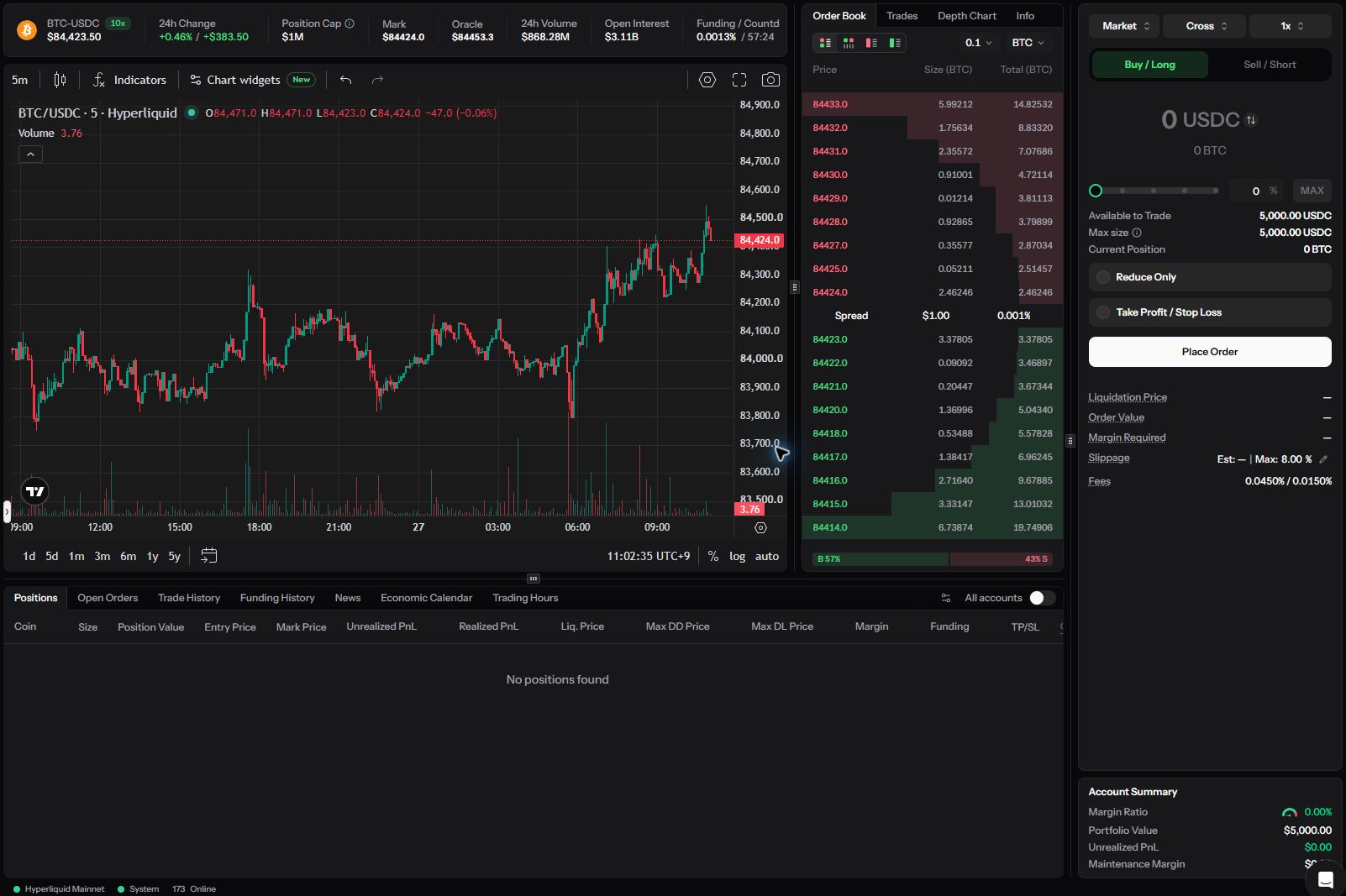
From choosing a market and placing orders to checking positions, history and fees. Numbered annotations explain the actual trading screens in Japanese.
At a glance
How should I read the Propr trading guide?
This guide covers Propr trading in 4 chapters—getting started, ordering, checking results and troubleshooting—with 10 articles in total. If you are new, begin with “The screen and your first order” to understand the process of submitting an order.
A summary of this page prepared by this guide.
Find by screen area
Select any of the 4 areas on the trading screen to open the article explaining that operation.
FAQ
FAQ: Propr trading guide
QWhich article should I start with?
AIf you are new, start with “The screen and your first order.” If you have a specific operation in mind, open it directly from the screen map or article list.
QWhich platform do the screenshots show?
APropr's trading screen, captured on 2026-09-27 using a Free Trial (PAPER) account.
QDoes the guide explain how to deposit into Propr?
ANo. Propr does not accept deposits of trading capital.